Community management
Move Your Coaching Business to a Branded Online Community (Full Guide)
Most coaching businesses are fragmented across WhatsApp, Facebook & multiple tools. This guide shows how to build a coaching community, migrate clients smoothly & create a structured system that drives engagement.

Contents
If you’re trying to figure out how to build or move to a coaching community, there’s a good chance your coaching business already feels a bit scattered. Conversations happen on WhatsApp, session links are shared over email, content lives in different documents, and client progress is spread across tools.
It works at first, but as your coaching business grows, it quickly becomes difficult to manage and even harder for clients to stay engaged.
At the beginning, this setup feels simple. You add tools as needed and keep things moving. But over time, the experience becomes fragmented. Clients miss updates, discussions lose context, and participation drops between sessions, not because clients lack motivation, but because the environment doesn’t support consistent interaction.
The real shift is this: you don’t need more tools, you need a system. A coaching community platform brings all your coaching business activities into one structured space where conversations, progress, and engagement happen together.
Instead of managing your coaching business in multiple tools, you create a connected experience that clients can easily follow and contribute to.
TL;DR
Most coaching businesses become fragmented as they grow, with conversations and content spread across multiple tools. A coaching community brings everything into one structured space where clients can interact, track progress, and stay engaged consistently. Moving to a community is often simpler than expected, and when done right, it turns a scattered coaching setup into a clear, connected system that supports both progress and participation.
Why Most Coaching Businesses Feel Disorganized
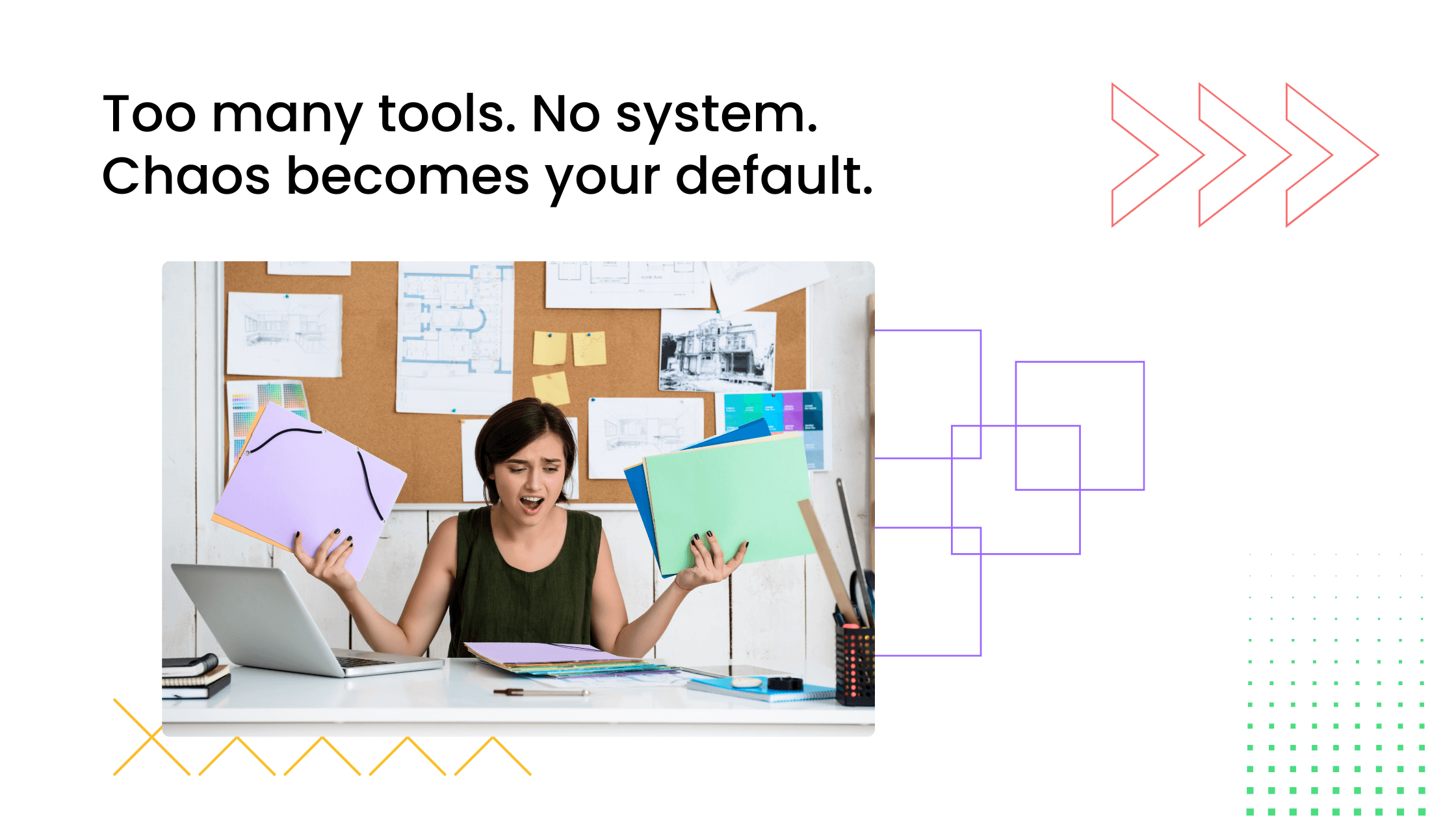
Many coaches start with various tools to manage their programs. A messaging app for communication, a video tool for sessions, and a few documents for resources feel enough in the beginning. But as the number of clients grows, managing coaching clients online across multiple tools starts to create friction.
The issue is rarely effort. Most coaches are doing everything they can to stay organized. The challenge is that the system itself is fragmented.
Fragmented Tools Create Chaos
At first, using separate tools feels flexible. WhatsApp makes it easy to communicate quickly. Google Docs helps share resources. Zoom allows sessions to run smoothly. But these tools are not designed to work together as a single system.
Over time, messages get buried in chats, important links are lost in long threads, and resources become difficult to find. Clients scroll through conversations trying to locate something shared earlier. Coaches repeat information because it is easier than searching for it.
What started as a simple setup gradually turns into a scattered experience where nothing feels connected and everything feels hard.
Clients Experience Coaching as Separate Pieces
From the client’s perspective, coaching often begins to feel like a collection of disconnected moments. There is a session, then a message somewhere else, then a resource shared in another place, and later a course drops in a different place. Each part exists, but there is no central space that brings everything together.
This lack of continuity affects how clients engage. They may attend sessions and implement ideas, but without a single environment that connects these interactions, the overall experience feels fragmented. Progress happens, but it does not feel visible, shared, or effective.
When coaching is experienced as separate pieces rather than a continuous journey, engagement naturally becomes inconsistent.
Growth Becomes Difficult to Scale
As more clients join, this fragmentation becomes harder to manage. What worked for a small group begins to break down at scale. More messages, more links, and more conversations increase complexity rather than clarity.
Coaches spend more time coordinating than coaching. Clients struggle to keep up with information. Simple tasks, like sharing an update or finding a resource, start taking longer than they should.
Growth introduces more confusion instead of momentum. Without a structured system, scaling a coaching business becomes less about expanding impact and more about managing chaos.
Why Coaches Move from WhatsApp and Facebook to a Coaching Community
As coaching programs grow, many coaches begin to question whether their current setup is sustainable. Tools like WhatsApp and Facebook groups are easy to start with, but over time, their limitations become harder to ignore. The shift toward a dedicated coaching community usually happens because the existing system stops working.
Understanding the difference between a coaching community vs WhatsApp or a coaching community vs Facebook group helps clarify why more coaches are making this transition. It’s not about replacing tools for the sake of it. It’s about creating an environment that supports structured interaction, visibility, and long-term engagement.
WhatsApp Works Early, Breaks at Scale
WhatsApp is often the first tool coaches use to stay connected with clients. It’s fast, familiar, and easy to set up. In the early stages, this simplicity feels like an advantage. Conversations flow naturally, updates are shared instantly, and clients can reach out without friction.
But as the number of clients increases, the same simplicity starts to create problems. Messages get buried in long threads, important updates are missed, and meaningful discussions disappear quickly. There is no way to organize conversations around topics, progress, or learning stages.
Over time, WhatsApp becomes more of a stream than a system. It supports communication, but it does not support structured coaching experiences.
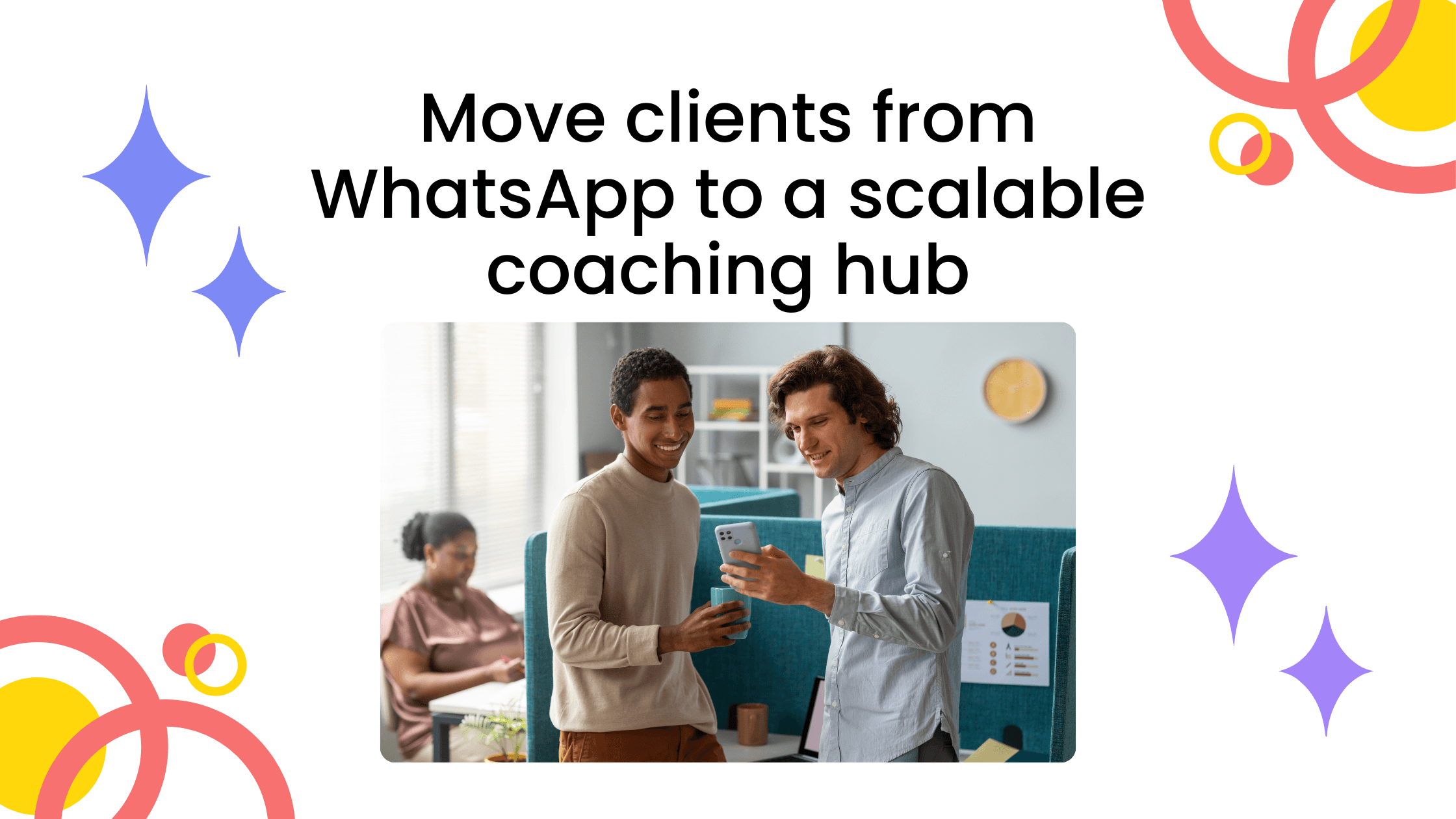
If you're currently using WhatsApp and thinking about making the switch, learn about how to move clients from WhatsApp to a coaching community fully and take the leap.
Facebook Groups Lack Structure and Ownership
For many coaches, Facebook groups feel like the next step. They offer more visibility than messaging apps and allow posts to stay accessible longer. At first glance, they seem like a viable Facebook group alternative for coaching communities.
However, Facebook groups introduce a different set of challenges. The environment is not fully owned by the coach, and distractions are built into the platform. Members can easily lose focus as they move between notifications, feeds, and unrelated content.
More importantly, Facebook groups still lack true structure. While posts can be organized loosely, there is limited control over how discussions, resources, and events connect with each other. The coaching experience remains fragmented, just in a slightly more organized format.
If you're currently running a Facebook group, learn about how to move your Facebook group to a coaching community completely and make the transition without losing engagement.
A Branded Coaching Community Solves Both
A branded coaching community changes how the entire experience is structured. Instead of relying on tools designed for general communication or social interaction, the community becomes a dedicated environment built around the coaching journey.
Discussions are organized by purpose, making it easier for members to share progress, ask questions, and engage with specific topics. The platform is owned by the coach, which means the experience is not influenced by external algorithms or distractions. Every interaction happens in a focused space designed for learning and growth.
This shift from scattered tools to a structured system creates clarity. Members know where to go, how to participate, and how their progress connects to the broader community. As a result, engagement becomes more consistent and the coaching experience becomes easier to manage at any scale.
What a Coaching Community Actually Looks Like
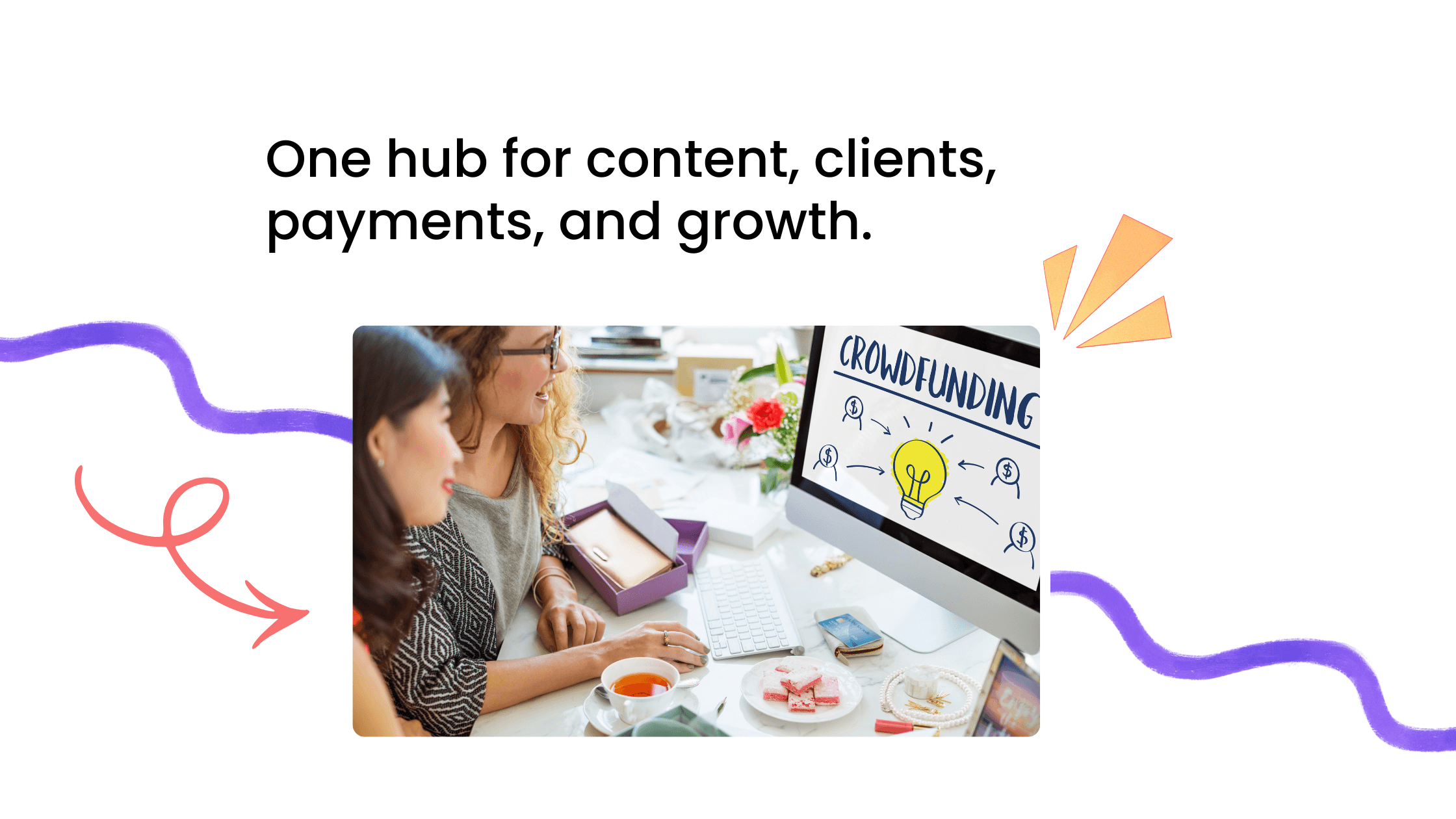
When coaches think about moving to a coaching community platform, the idea can feel abstract. It’s often described as a place for discussions or engagement, but that doesn’t fully explain how it works in practice. A branded coaching community is not just another tool layered on top of your workflow. It replaces scattered systems with a single environment where everything connects.
Instead of managing conversations, content, and interactions across different platforms, a coaching community brings them together into one structured space. This clarity changes how both coaches and clients experience the program.
Centralized Space for Discussions
In a coaching community, discussions are not buried in endless message threads. They are organized into clear spaces based on purpose. Clients know exactly where to share progress, ask questions, or discuss specific topics related to their journey.
This structure makes conversations easier to follow and revisit. A question asked today does not disappear tomorrow. A progress update remains visible, allowing others to learn from it or respond later. Over time, this creates a living record of the coaching journey that everyone can access.
The result is a shift from scattered communication to meaningful, organized interaction.
Events, Content, and Conversations in One Place
One of the biggest differences in a coaching community platform is how every aspect of coaching connects. Sessions, resources, courses, and discussions are no longer separate pieces. They exist within the same environment.
A live session can lead directly into a discussion thread where members share what they learned. A resource shared during a session can be stored in a structured space for clients to revisit later. Conversations can continue beyond scheduled calls without losing context.
This integration creates continuity. Instead of jumping between tools, clients experience the program as a connected journey where each interaction builds on the previous one.
Structured Participation (Not Random Messaging)
Perhaps the most important difference is how participation happens. In many tools, engagement is spontaneous. People post when they remember or when something feels urgent. This leads to irregular activity and long periods of silence.
A coaching community introduces structure to participation. Members engage through defined patterns such as progress updates, reflection posts, or discussions tied to specific topics. This does not restrict interaction. It guides it.
When participation becomes structured, it becomes predictable. Clients know when and how to contribute, which makes engagement easier to sustain. Instead of random messaging, the community develops a rhythm where interaction feels like a natural part of the coaching process.
Before vs After: Moving to a Coaching Community

The easiest way to understand the shift is to look at what actually changes. Most coaches don’t struggle because they lack effort or good content. The problem is how that content and communication are organized. When everything is spread across WhatsApp, Facebook, and other tools, the experience becomes fragmented. A coaching community brings structure to that same experience without adding complexity.
Here’s how the difference shows up in practice:
Before (WhatsApp / Facebook) | After (Coaching Community) |
Messages get lost in long threads | Discussions are structured and easy to follow |
Links and resources are scattered | Content is centralized and easy to access |
No clear visibility of progress | Progress is shared and visible across members |
Members remain passive observers | Members participate actively and consistently |
What This Shift Actually Changes
The transition is not just about organizing tools. It changes how clients experience the coaching program.
When discussions are structured, conversations become easier to follow and contribute to. When resources are centralized, clients spend less time searching and more time applying what they learn. When progress is visible, members feel motivated by seeing others move forward. And when participation becomes consistent, the community develops its own momentum rather than relying solely on sessions.
This is why many coaches move toward a coaching community. It turns a scattered setup into a connected system where interaction, learning, and progress happen in one place.

How to Build a Coaching Community Step-by-Step

If you’re looking for a clear way to build a coaching community, the process becomes much simpler when you approach it as a system rather than a collection of tools. Most challenges come not from the platform itself, but from the lack of structure around how clients interact, share progress, and stay engaged.
The steps below focus on how to create a coaching community that supports real participation, not just passive access.
Step 1: Define the Transformation
Every effective coaching community is built around a shared outcome. Before thinking about tools or features, it’s important to define what members are working toward. This could be building a business, improving health, developing leadership skills, or any other transformation your coaching program supports.
When the outcome is clear, the community naturally aligns with it. Discussions become more focused, progress updates feel relevant, and members understand why participation matters. Without this clarity, the community risks becoming a general conversation space without direction.
Step 2: Choose the Right Coaching Community Platform
The platform you choose plays a key role in how your community functions. A strong coaching community platform is not just a place to host conversations. It should support structured discussions, allow you to organize resources, host cohort groups, and enable interactions that extend beyond live sessions.
An effective online community platform for coaches brings conversations, content, courses, and events into one place. This makes it easier for members to engage consistently without switching between multiple tools. The goal is not to add another layer to your workflow, but to replace fragmentation with clarity.
Step 3: Design Your Community Structure
Once the foundation is clear, the next step is shaping how the community is organized. This includes creating spaces for different types of interaction, such as discussions, progress updates, resources, and accountability.
A well-designed structure reduces hesitation. Members know where to share updates, where to ask questions, and how to navigate the space. Instead of guessing how to participate, they can immediately engage with the community.
If you want a deeper breakdown of how to design this effectively, the guide on Coaching Community Blueprint explains how to structure spaces and journeys inside a community.
Step 4: Create Participation Systems
A community becomes active when participation is guided. Without clear patterns, engagement depends on individual motivation, which often leads to inconsistency.
Participation systems introduce a rhythm. This can include weekly progress updates, reflection threads, or prompts that encourage members to share what they are working on. These patterns make interaction predictable and easier to sustain.
If you want practical ideas on how to build these systems, explore 9 Ways to Increase Engagement in a Coaching Community, which breaks down how to create consistent participation.
Step 5: Plan Events and Interactions
Events add a layer of real-time interaction that strengthens the community. While discussions allow members to engage at their own pace, events create shared experiences where people connect more directly.
These interactions can include live discussions, group sessions, or smaller conversations where members reflect on their progress and support each other. Over time, these moments help build familiarity and trust within the group.
For a deeper understanding of how events contribute to engagement and relationships, check out the article on How Events Improve Relationships in a Coaching Community which explores this in detail.
If you want a structured execution plan, this ultimate checklist to launch a coaching community in 30 days walks through the entire setup from idea to activation.
How to Move Your Coaching Clients to a Community (Without Losing Engagement)

One of the biggest concerns coaches have is not how to build a community, but how to move people into it without disrupting engagement. The fear is understandable. If clients are already active on WhatsApp or familiar with a Facebook group, introducing a new platform can feel like adding friction.
In reality, when done right, moving your coaching business to a community does the opposite. It reduces confusion, improves participation, and creates a clearer experience for clients. The key is not forcing a sudden switch, but guiding a gradual transition that feels natural.
Start with One Use Case
The most effective way to begin is to avoid moving everything at once. Trying to shift all conversations, content, and interactions immediately can overwhelm both you and your clients.
Instead, start with a single use case. This could be weekly progress updates, post-session discussions, or sharing key resources. When clients experience the benefit of having that one element organized in a new space, they begin to understand the value of the community.
This approach lowers resistance. The transition feels like an improvement, not a disruption.
Introduce the Community Gradually
Once the first use case is established, the next step is to expand gradually. Begin introducing more interactions into the community while maintaining familiar channels for communication.
Clients don’t need to change their behavior overnight. As they start engaging with the community for specific activities, it naturally becomes part of their routine. Over time, more conversations shift into this space because it is easier to follow, more structured, and more useful.
Gradual adoption builds comfort. It allows the community to grow without creating friction.
Guide the First Interaction
The first interaction inside the community plays a critical role in shaping participation. If clients join but are unsure what to do, they are likely to observe quietly and disengage.
Make the next step obvious. Invite them to introduce themselves, share a recent win, or respond to a simple prompt. When the first action is clear and easy, participation begins immediately.
Early engagement builds momentum. Once clients contribute, they are far more likely to return and continue participating.
Keep WhatsApp as a Bridge Initially
Removing existing tools too quickly can create unnecessary resistance. Instead of shutting down WhatsApp immediately, use it as a bridge during the transition.
Continue using it for reminders or quick updates while directing meaningful conversations to the community. For example, a message in WhatsApp can guide clients to respond inside the community instead of continuing the discussion in chat.
Over time, as clients become more comfortable with the new environment, reliance on WhatsApp naturally decreases. The community becomes the primary space for interaction without forcing a hard switch.
When you approach migration this way, the transition becomes smooth rather than disruptive. Clients don’t feel like they are being moved away from something familiar. They feel like they are stepping into a better experience that supports their progress more effectively.
How to Keep Your Coaching Community Active
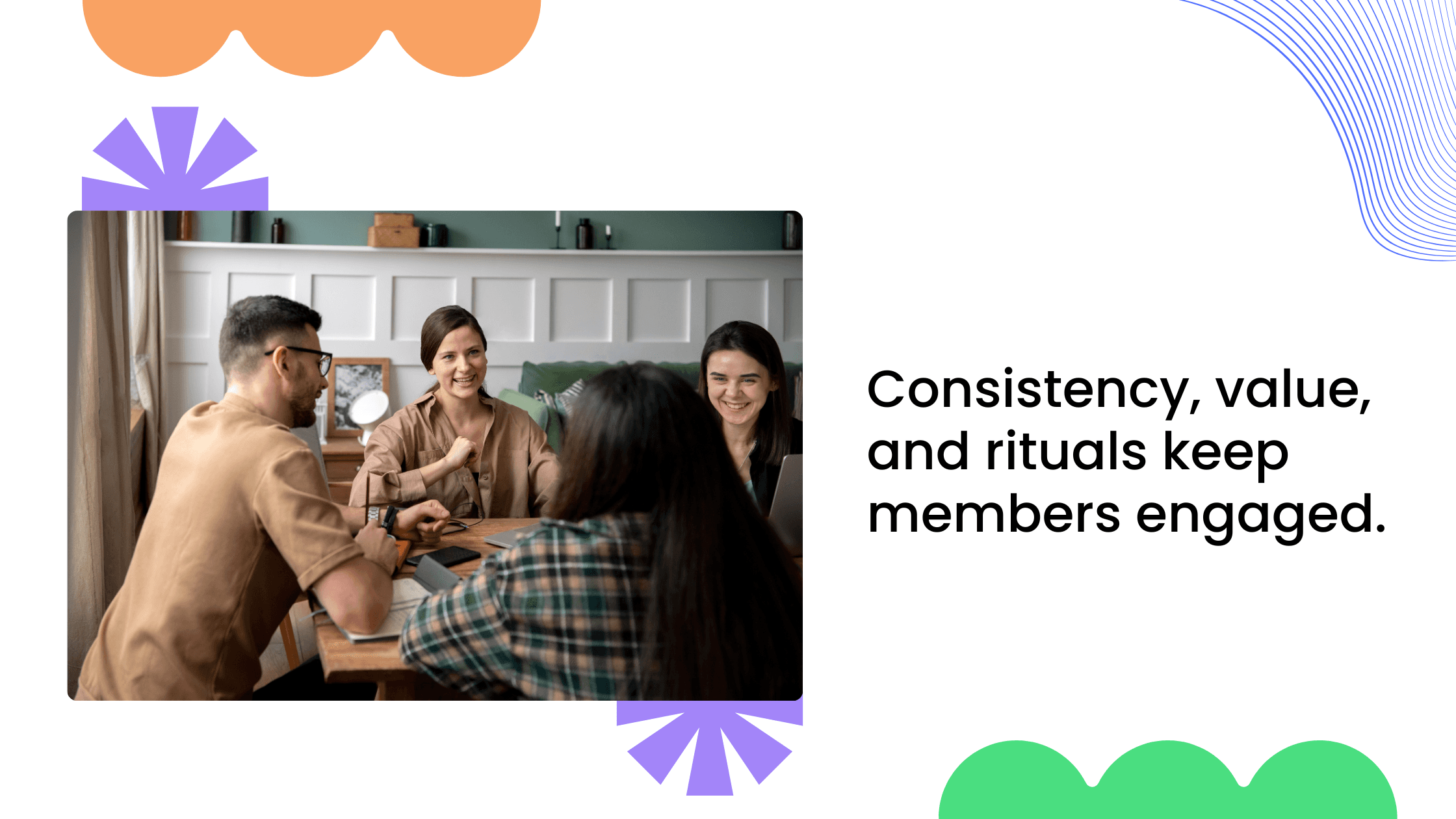
Building a community is only the first step. What determines long-term success is how consistently members participate in it after joining. Coaching community engagement does not come from constant reminders or pushing clients to interact. It grows when the environment itself makes participation natural.
Active communities are not driven by volume. They are driven by simple systems that keep members connected to their progress and to each other.
Participation Loops Create Consistency
Communities stay active when interaction follows a pattern. When members know when to share updates, reflect on their progress, or respond to others, participation becomes part of their routine.
Without these loops, engagement depends on motivation. Some weeks feel active, others become quiet. With a clear rhythm, interaction becomes predictable and easier to maintain.
Visibility Drives Momentum
One of the strongest drivers of engagement is visibility. When members can see others sharing progress, implementing ideas, and moving forward, it reinforces the sense that the community is active.
Visible progress encourages participation. It shifts the environment from passive observation to shared movement. Members are more likely to contribute when they can see that others are doing the same.
Accountability Strengthens Participation
Accountability becomes more effective when it is shared. In an active community, members are not only responsible to the coach but also to each other. This creates a supportive dynamic where progress is acknowledged and consistency is encouraged.
When accountability is visible and collective, participation feels less like an obligation and more like a natural part of the coaching process.
Automating Your Coaching Community
As your coaching business grows, consistency becomes harder to maintain manually. Messages need to be sent, clients need guidance on what to do next, and content needs to stay organized. This is where the right coaching workflow tools make a difference. Automation is not about removing the human element from coaching. It is about creating a system that supports it.
When basic processes are handled automatically, you spend less time coordinating and more time focusing on actual coaching.
If you want to go deeper into creating systems that reduce manual work while maintaining engagement, understanding how to automate client engagement in a coaching community becomes essential, as it allows you to build consistent, scalable interactions without constant hands-on effort.
Onboarding Happens Without Friction
The first experience a client has inside your community sets the tone for everything that follows. If onboarding depends on manual instructions or scattered messages, clients may feel unsure about where to begin.
Automation helps create a clear starting point. New members can receive a welcome message that explains how the community works, what they should do first, and where to participate. Instead of figuring things out on their own, they are guided step by step into the environment.
This reduces hesitation and encourages early participation, which is critical for long-term engagement.
If you want to improve how new members enter your community, focusing on how to onboard new clients into a coaching community is critical to creating a smooth, structured first experience that sets the tone for long-term engagement.
Notifications Keep Members Connected
In a fragmented setup, clients often miss updates because they are spread across different tools. In a structured community, notifications help maintain connection without overwhelming members.
Clients can be notified when there is a new discussion, an upcoming event, or a response to something they shared. These small prompts bring them back into the community at the right moments.
The goal is not constant alerts, but timely reminders that keep participation active without requiring manual follow-ups from the coach.
Content Stays Organized and Accessible
One of the biggest challenges in coaching programs is keeping content easy to find. Resources, session recordings, courses, and discussions often get lost when they are shared across multiple platforms.
Content can be organized into clear sections so that members always know where to look. Instead of searching through chats or emails, they can access what they need directly within the community.
This clarity improves the overall experience. Clients spend less time navigating and more time applying what they learn.
When automation is used well, it does not make the community feel impersonal. It makes it reliable. Clients know where to go, what to do next, and how to stay on track.
Common Mistakes When Building a Coaching Community
A strong coaching community setup is not just about choosing the right platform. It depends on how the environment is introduced, structured, and guided during the early stages. Many communities struggle not because the idea is wrong, but because small decisions during setup create friction for members.
Recognizing these patterns early makes it easier to avoid the drop in participation that often happens after launch.
Trying to Move Everything at Once
One of the most common mistakes is attempting to shift all conversations, content, and interactions into the community immediately. While the intention is to create a complete system quickly, this approach often overwhelms clients.
Members who are used to existing tools may find the transition abrupt. Instead of engaging, they step back and observe, waiting to understand how the new space works. This slows down momentum right when the community needs early activity.
A gradual transition works better. When clients experience value through a single use case first, they become more comfortable moving additional interactions into the community.
Launching Without Structure
Communities that launch without a clear structure often feel empty, even if members are present. When people join and do not see clear discussion spaces, prompts, or activity, they hesitate to participate.
Without guidance, members are unsure where to post, what to share, or how to engage. This uncertainty leads to silence, which quickly reinforces the perception that the community is inactive.
A structured environment removes this friction. When discussions, progress updates, and interactions are clearly defined, participation becomes easier from the beginning.
Overcomplicating Tools
Another mistake is trying to combine too many tools or features into the setup. In an effort to create a complete system, coaches sometimes introduce multiple platforms or overly complex structures.
This creates confusion rather than clarity. Members spend more time figuring out where to go than actually participating. Even simple actions, like sharing an update or finding a resource, become harder than they should be.
A well-designed community simplifies the experience. It brings conversations, content, and interactions into one place so that participation feels natural and straightforward.
Not Guiding Early Participation
The early phase of a community is critical. If members join and are not guided toward their first interaction, they are likely to remain passive.
People rarely initiate participation on their own in a new environment. They need a clear starting point. Without it, they observe quietly and disengage over time.
Guiding early participation makes a significant difference. When members are invited to introduce themselves, share a simple update, or respond to a prompt, they take the first step. Once that initial interaction happens, continued participation becomes much more likely.
Avoiding these mistakes helps create a coaching community that feels active from the start. When the setup is simple, structured, and guided, members find it easier to engage and remain involved throughout their journey.
FAQs About Moving to a Coaching Community
How to build a coaching community?
To build a coaching community, start by defining the transformation your clients are working toward and design the environment around that goal. Create structured spaces for discussions, progress updates, and resources so members know where to participate. Introduce simple participation systems like weekly updates or reflection prompts, and support them with events and interactions that keep clients engaged between sessions.
What is the best coaching community platform?
The best coaching community platform is one that supports structured interaction rather than just communication. It should allow you to organize discussions, host events, share resources, and guide participation in a clear way. More than features, what matters is whether the platform helps create a consistent experience where clients can engage, look into progress, and stay connected.
Can I move clients from WhatsApp to a community?
Yes, you can move clients from WhatsApp to a community without losing engagement, as long as the transition is gradual. Start with a specific use case, guide clients toward their first interaction, and use WhatsApp as a bridge during the early phase. When clients experience the clarity and structure of the community, they naturally begin shifting their activities there.
Is a coaching community better than a Facebook group?
A coaching community is often more effective than a Facebook group because it provides structure and ownership. Facebook groups are influenced by distractions and limited control, while a dedicated community offers organized discussions, focused interaction, and a consistent environment designed for learning and progress. This makes it easier to maintain engagement over time.
Final Takeaway - Your Coaching Business Needs a System
Most coaching businesses don’t struggle because they lack effort or resources. They struggle because their systems are fragmented. Adding more tools does not solve this problem. It often makes it harder to manage.
Coaching sessions create insight.
Communities sustain progress.
Structure creates consistency.
When your coaching business is built around a structured environment, clients know where to go, how to participate, and how to stay connected to their journey. Engagement becomes easier because it is supported by the system itself.
If you want to build a coaching community that keeps clients engaged, organized, and connected, the focus should be on creating a structured environment rather than adding another tool.
If you want to build a comprehensive and customizable coaching community, check out Wylo. Want to start a free trial?

Senthil
Marketing Head of Wylo, a highly comprehensive and customizable community platform for coaches, brands, and creators. Senthil helps coaches design clear marketing systems, strong positioning, and sustainable monetization models through practical community frameworks and execution-first strategy.